
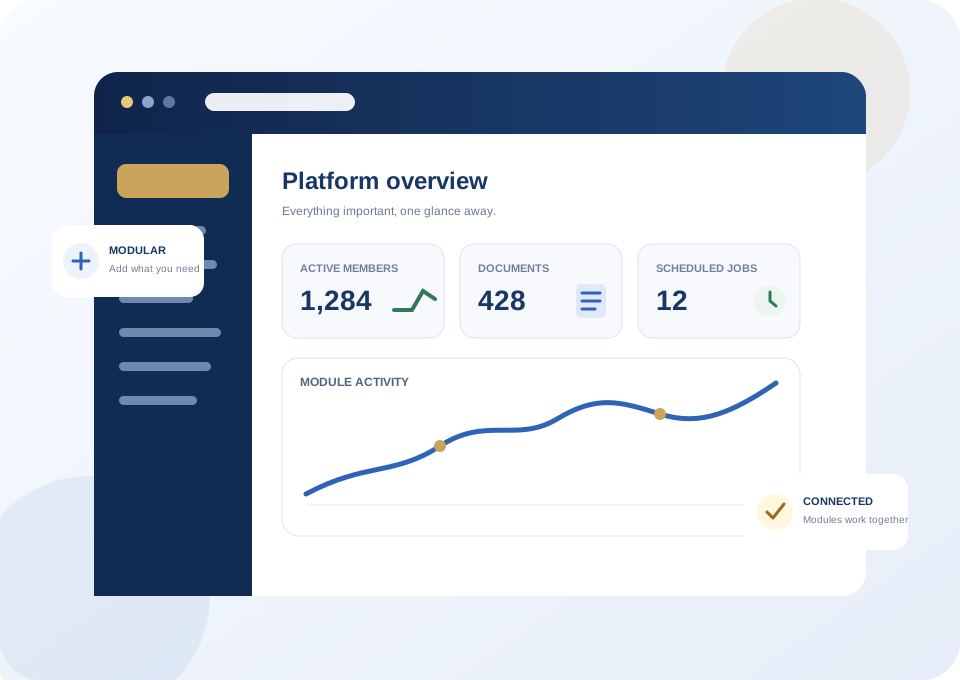
One system from the public website to the work behind it.
The simple things stay simple. Advanced tools appear when they are useful, not before.
Visual Website Builder
Build pages, layouts and complete editable sites without turning every change into a developer project.
Membership & Rosters
People, roles, scopes, dues information and operational records stay connected to the rest of the platform.
Documents & Forms
Secure files, searchable contents, fillable PDFs, webforms and intelligent document recognition.
Connected Workflows
Modules cooperate through clean contracts so one action can help another part of the organization.
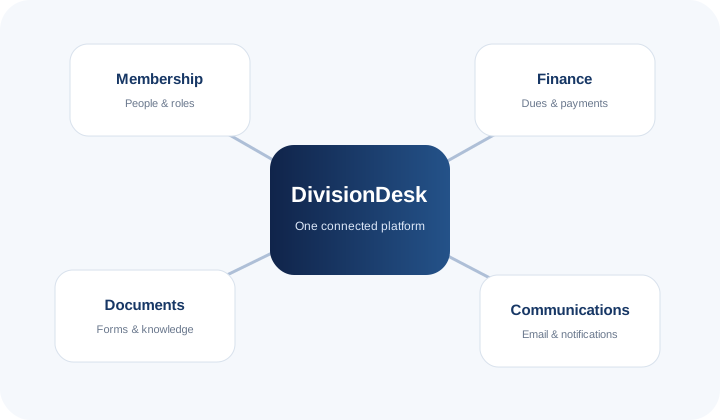
Modules that know how to work together.
DivisionDesk does not treat membership, finance, documents and communications as separate islands. Shared information can move through deliberate, permission-aware workflows while each module stays independently maintainable.
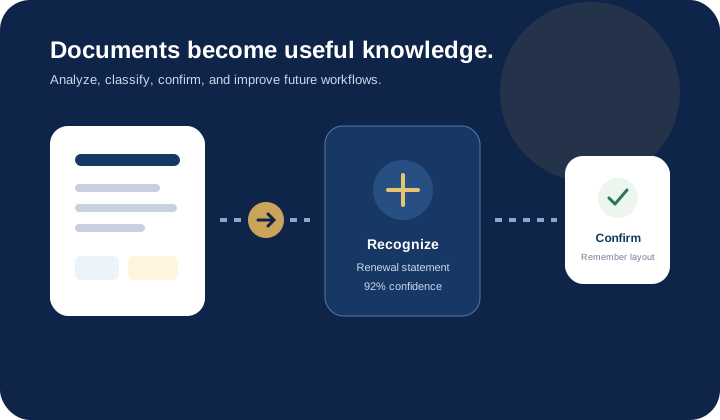
Documents can become useful knowledge.
Upload a form or statement and DivisionDesk can extract searchable text, recognize likely document types, suggest next actions, and remember confirmed layouts—all without making ordinary uploads more complicated.
Start with a complete site, not a blank screen.
Choose a full editable site, change the design later, then add modules and widgets from the Store.
Featured in the Store
Production-ready additions published independently from Core.
General Website Widget Pack
General-purpose website widgets for common website features, content, and visitor-facing functionality.
Version 3.0.1Accessibility & Visitor Tools Widget Pack
Accessibility and visitor-assistance widgets for improving website usability and interaction.
Version 3.0.1Finance
Financial management, payments, accounting, receipts, statements, and transaction services for DivisionDesk.
Version 1.2.12DivisionDesk Storefront
Online products, shopping carts, checkout, inventory, orders, fulfillment, and integrated payments.
Version 2.5.6Communications
Email, messaging, campaigns, audiences, notifications, and organization communications for DivisionDesk.
Version 1.4.23Events
Event publishing, registration, payments, tickets, check-in, attendance, and event management.
Version 1.1.24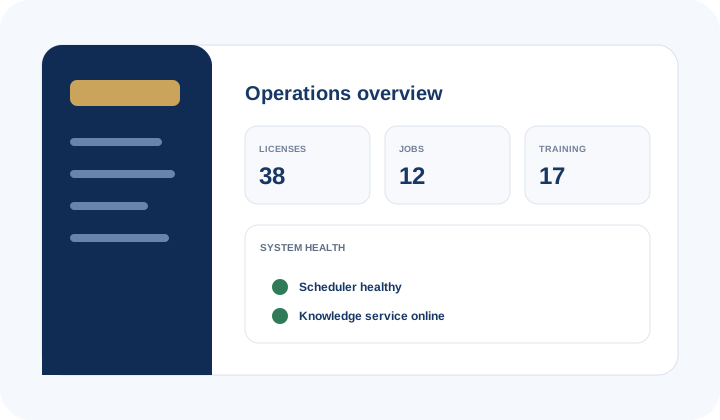
Licensing, updates, help, community and knowledge in one place.
DivisionDesk Server supports the installations after the download: version-aware documentation, licensing and entitlements, scheduled operations, community conversations, feature requests and the evolving knowledge service.
See the whole platform before installing it.
The disposable DivisionDesk demo follows published Store packages so you can explore the builder and Administration without risking a real site.